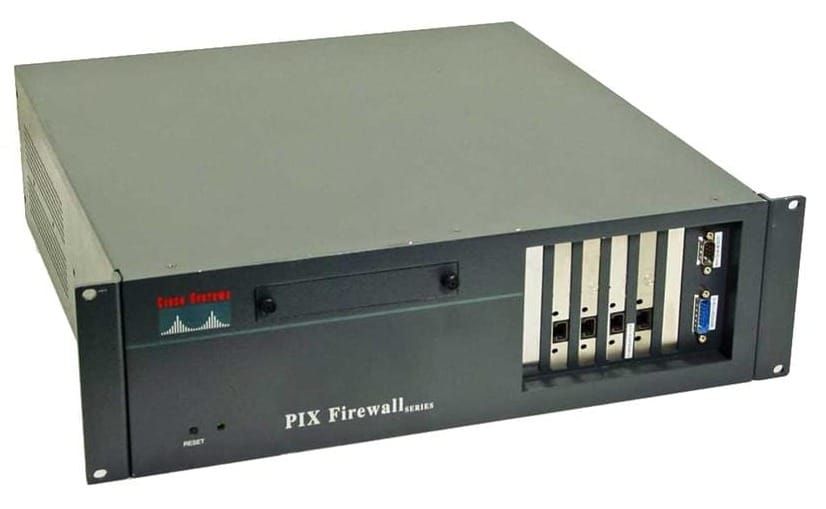
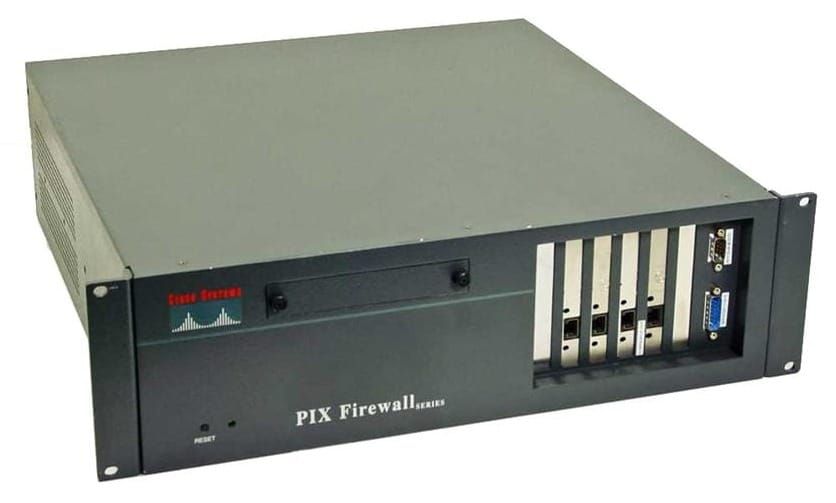
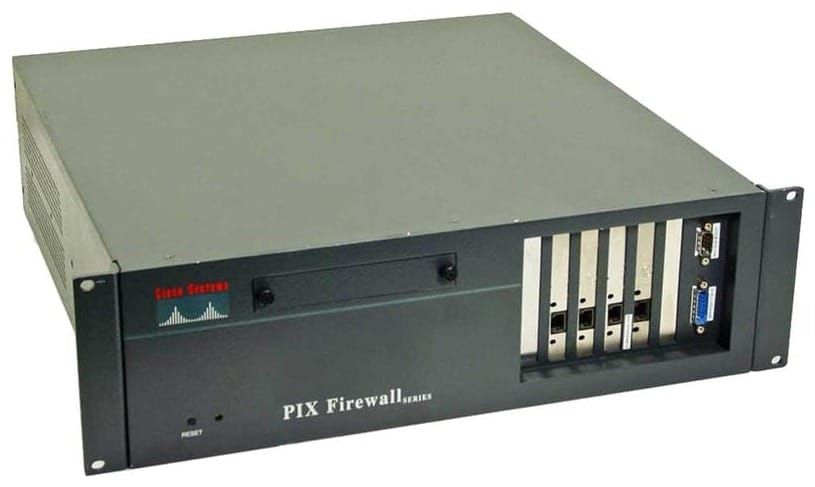
PIX - Firewall Essentials
CLI modes
- > unprivileged mode
- # privileged mode - use enable to enter this mode
- (config)# configuration mode - use conf t to enter this mode
- monitor mode - password recovery, image restore
Basic Configuration
Set privileged mode password and timeout (in minutes, default zero)
enable password Password1 encrypted
console timeout 15
The default hostname is pixfirewall
Use write memory to save the configuration
reload to reboot
Set the tftp server address and path in configuration mode
tftp-server 192.168.1.10 pix/config

!! Save configuration to the TFTP server
write net

!! Load configuration to the TFTP server
config net
Add local host name resolution
name 192.168.1.10 TFTPUseful Show commands
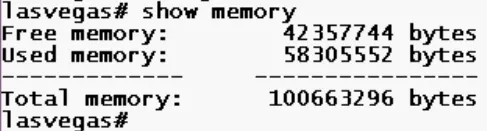
show memory
show cpu usage

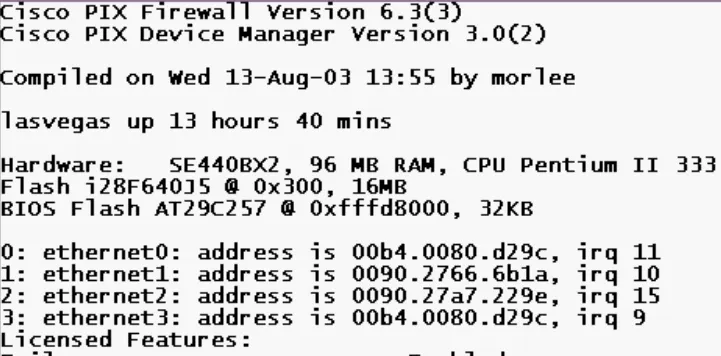
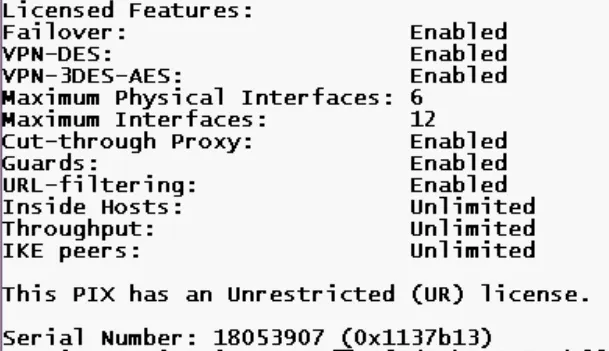
show version
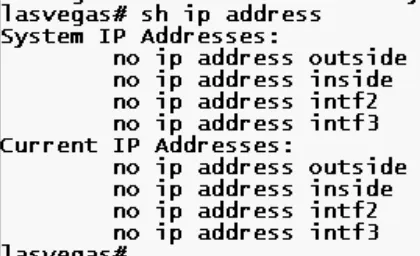
show ip address
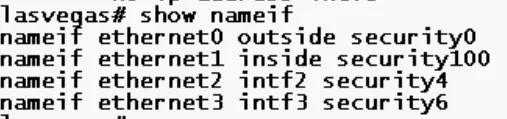
show nameif
show interface