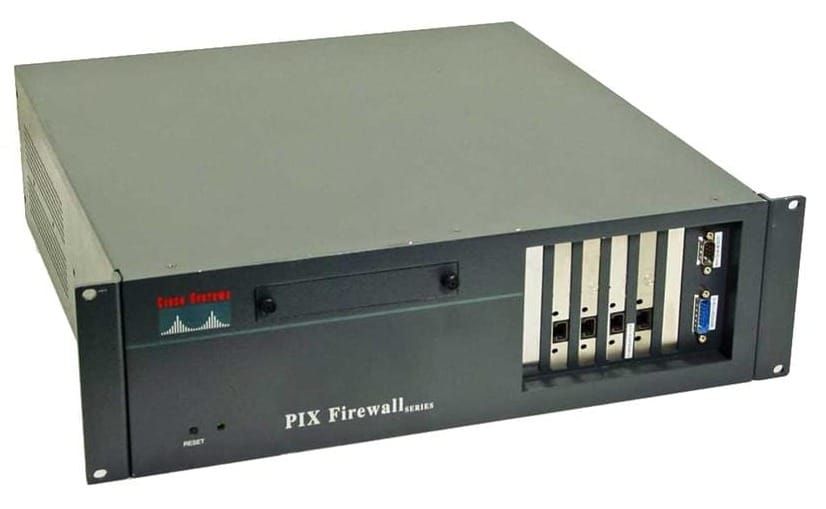
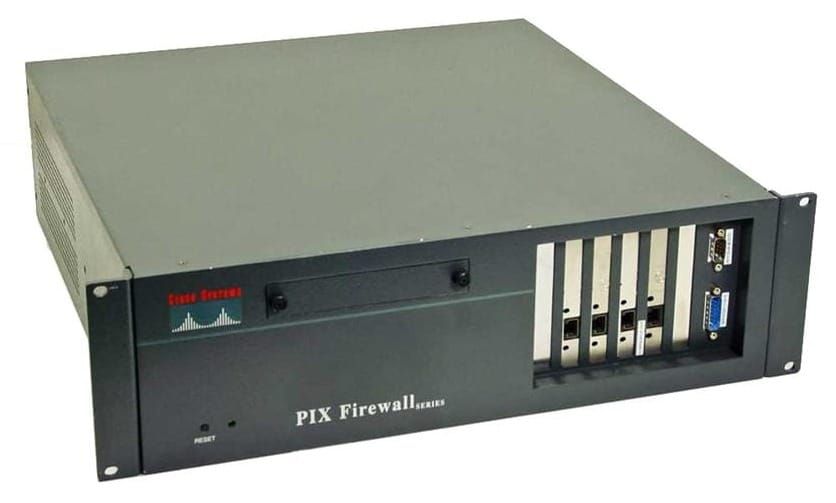
PIX - Failover
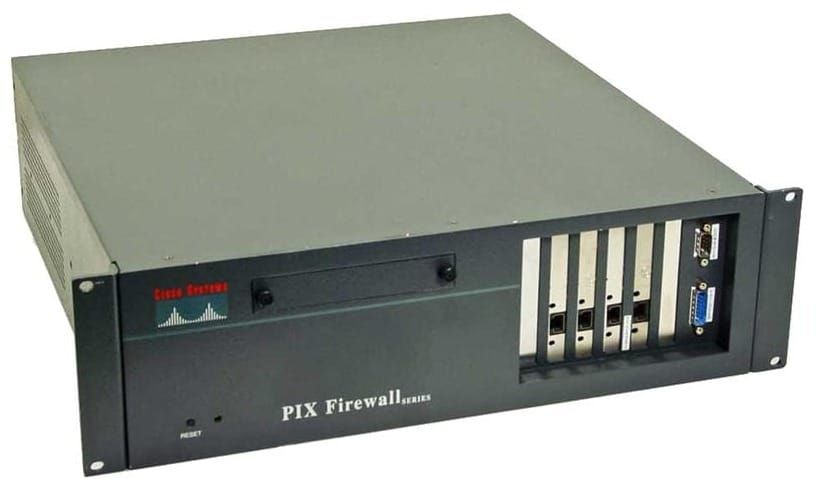
Protects the network from primary PIX failure. two firewalls, active (primary) and backup (secondary)
Failover happens:
- PIX powers down or reboots
- Link is down for more than 30 seconds
- failover active command issue on standby PIX firewall
- memory is depleted on primary for more than 15 seconds
Requirements:
- PIX models must be identical
- must have same activation key levels
- same software version
- same amount of ram and flash memory
- one must have unrestricted licence (UR), other can have (FO) or (UR) but not restricted.
- 501 and 506E can’t be used for failover
Failover: all connections are dropped and client apps must reconnect. stateful information is not passed to standby PIX
Stateful Failover: each connection is passed to standby, end users don’t need to reconnect. state data includes: global address pool. connections, translations, PAT
Failover cabling methods
- Serial - custom RS232 cable at 115kbps
- LAN-based - ethernet between two PIX firewalls
- Stateful cable - minimum 100mbps full duplex ethernet, uses dedicated switch or VLAN. Uses IP protocol 8.
Secondary assumes IP address and MAC address of the primary during a failover
hello packets every 15 seconds and all interfaces and failover cable.
- link up/down test
- network activity test (5 seconds)
- ARP test (10 most recent entries)
- broadcast ping test (5 seconds)
Configure Serial Cable Failover
- Make sure IP addresses on all interfaces are different but on the same subnet
- power off secondary PIX firewall and attach serial cable
- label cables primary and secondary
- configure primary PIX firewall
- set the clock
- perform
write memory - power on secondary PIX
failover
failover ip address outside 172.16.1.2
failover ip address inside 10.0.1.2
failover poll 12
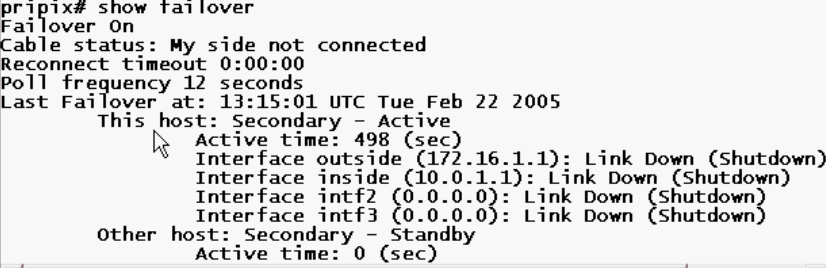
Replication occurs when:
- Active PIX replicates complete config to standby when it finished initial bootup
- Commands run on active primary push config to standby secondary
- perform
write standbyon active PIX
Revert from a failover:
no failover activeon secondaryfailover activeon primaryfailover rest
Configure LAN-Based Failover
- no 6ft serial cable limitation
- same interface can be used for stateful failover
- also uses encryption and authentication using a pre-shared key
nameif ethernet2 failan security60
interface ethernet2 100full
ip address failan 172.16.1.1 255.255.255.0

failover ip address failan 172.16.1.2
failover lan unit primary
failover lan interface failan
failover lan key Cisco123
failover lan enable
to also enable statefull failover
failove link faillan