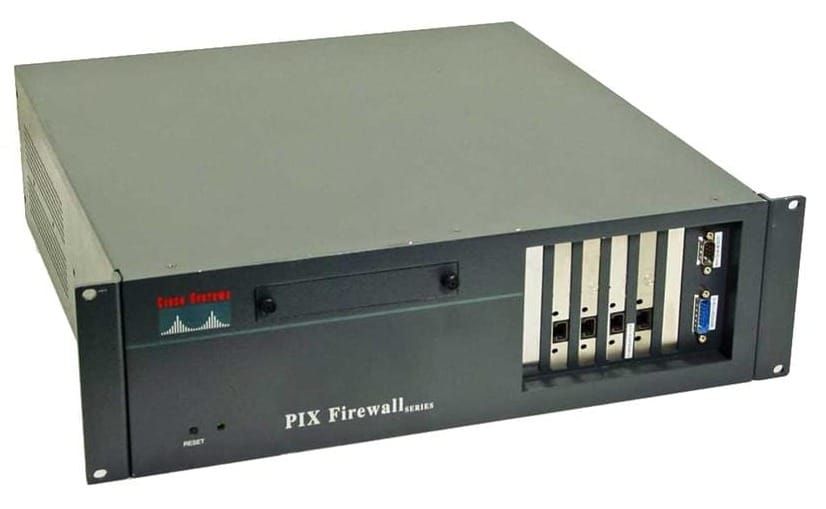
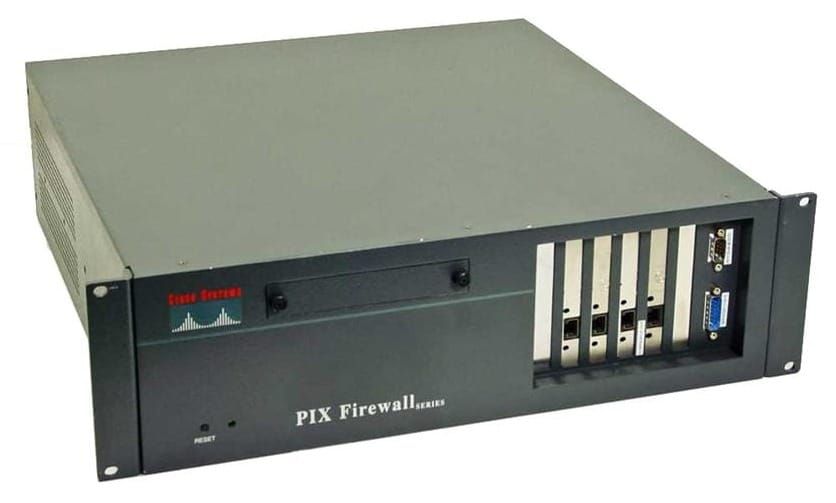
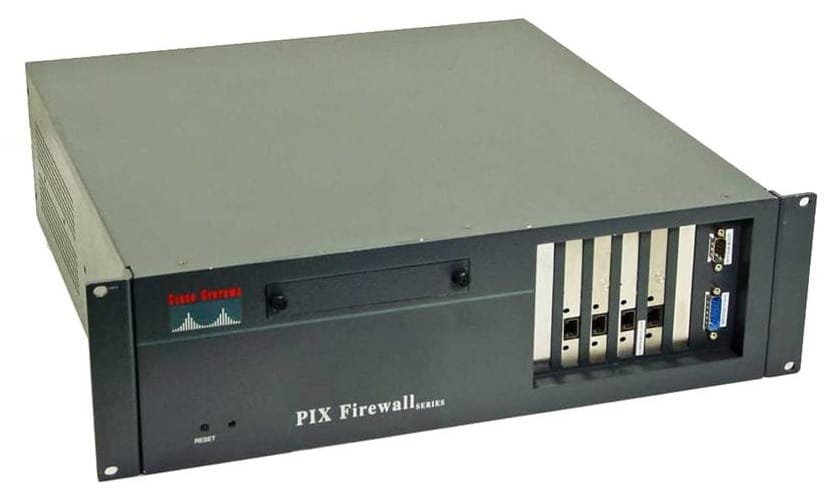
PIX - Cisco Private Internet Exchange
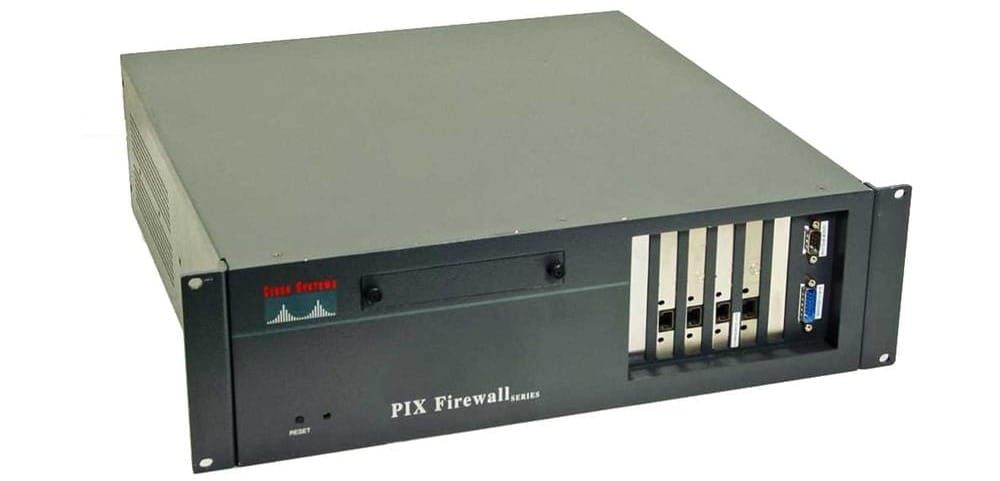
Firewall controls access between two or more networks.
Packet filtering
static filtering based on packet header information, using access control lists
A malicious user can discover which packets meet the firewall criteria
packets can get through by being fragmented
Complex access control lists are challenging to configure and maintain
Not all services can be packet-filtered
Proxy services
Proxy server looks at Layers 4-7, hides details of the protected network
session state, user authentication, authorization
A proxy server represents a single point of failure
high degree of performance overhead, not a scalable solution
Stateful packet filtering
maintains complete session state data in a stateful session flow table for TCP or UDP
contains contents of fields in packet headers (Source Address, Destination Address, Port, Sequence number)
PIX generated a “Connections object” in memory
functions with packets and connections (sessions), performs better than other methods
Cisco PIX Firewall features
- Security appliances built for security, reliability, and robust performance
- Adaptive Security Algorithm (ASA)
- Engines to inspect layers 4-7
- user-based authentication
- Virtual Private Networking (VPNs)
- web-based management with PDM, CWFMC, SSH, SNMP, SYSLOG
- Resilient operations through stateful failover
- Supports static and dynamic NAT
- Supports port address translation (PAT)
- Protections from common internet threats
 Craig Garnham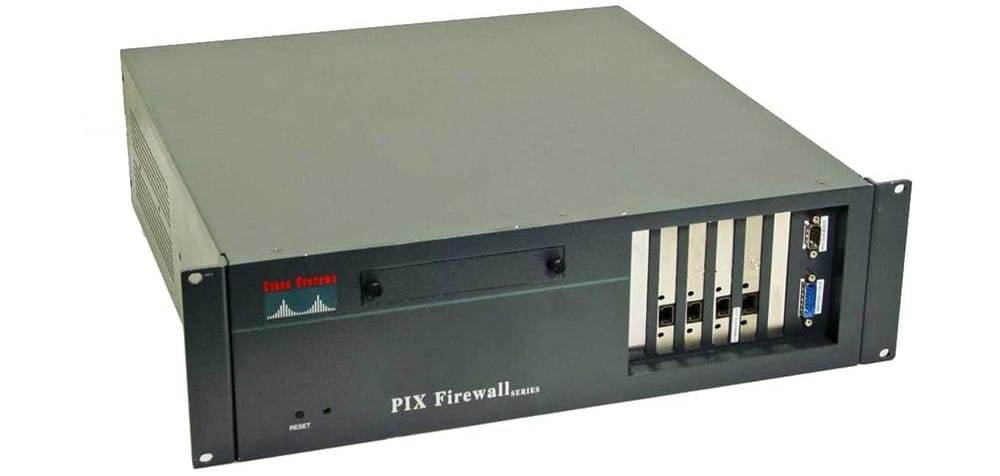
 Craig Garnham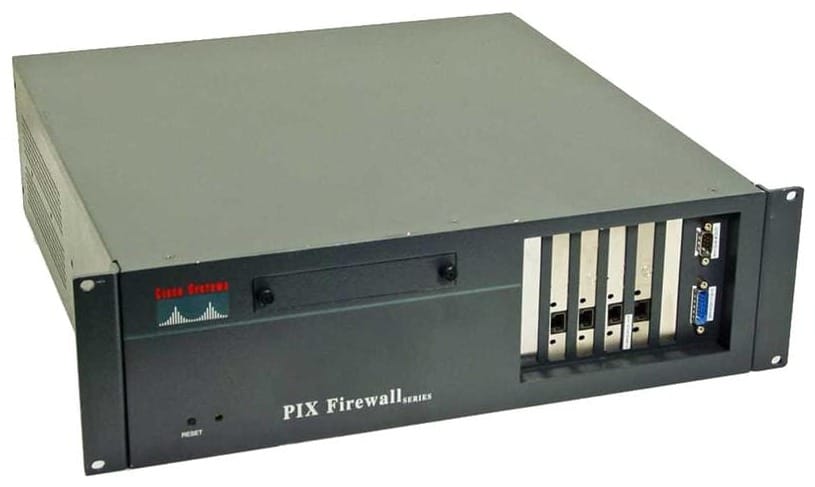
 Craig Garnham
 Craig Garnham
 Craig Garnham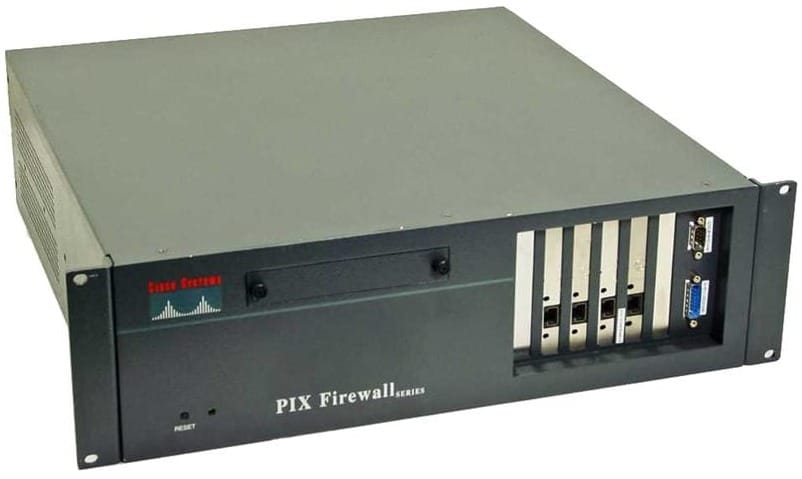
 Craig Garnham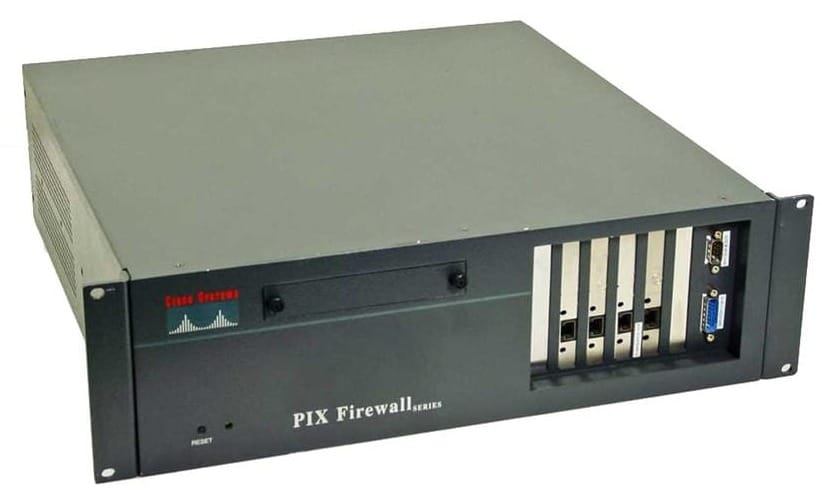
 Craig Garnham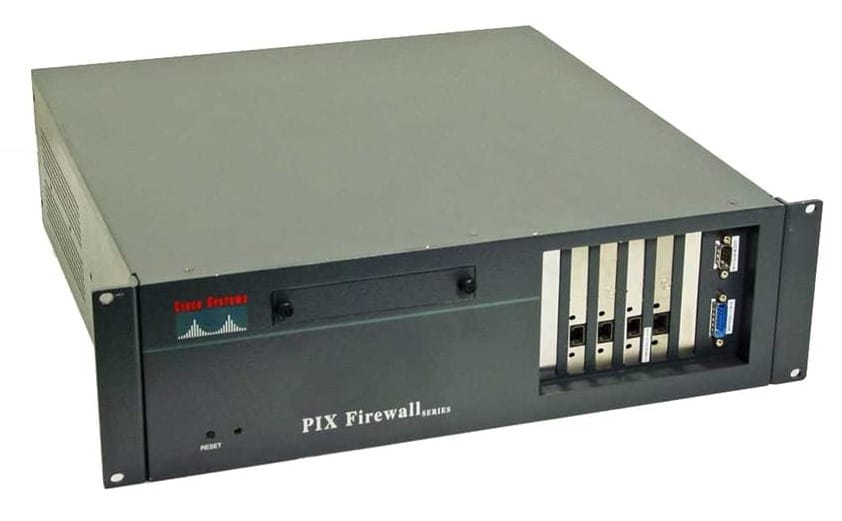
 Craig GarnhamCraig GarnhamCraig Garnham
 Craig Garnham