2 . RSLogix
Software is downloaded from https://compatibility.rockwellautomation.com/Pages/home.aspx
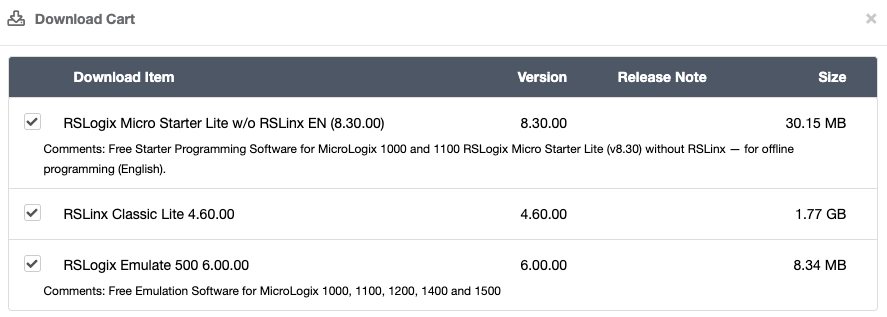
Software needs to be installed in the following order:
- RSLinx Classic Lite
- RSLogix Emulate 500
- RSLogix Micro Starter Lite
Set each application's compatibility mode to Windows 7 and to run as administrator, then restart the computer.
Configure RSLinx
Click configure drivers icon on toolbar.
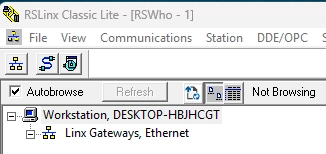
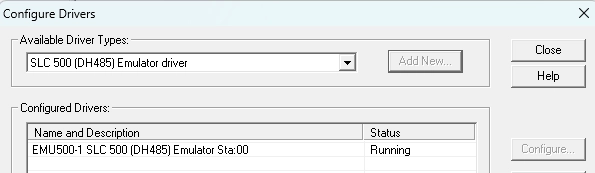
Add the Emulator driver
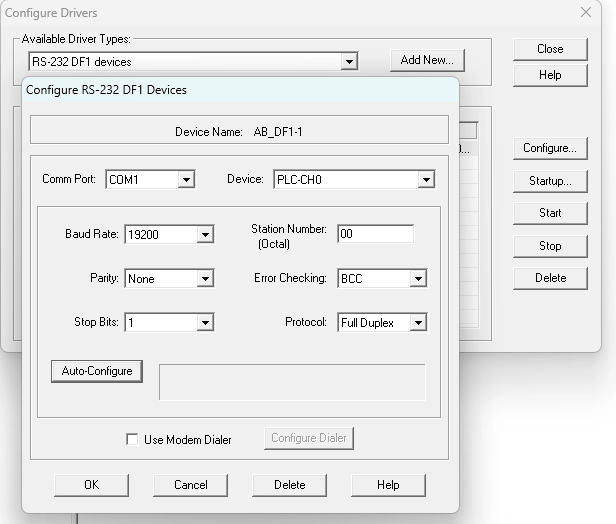
Add the RS-232 driver to connect to PLCs with a serial cable.
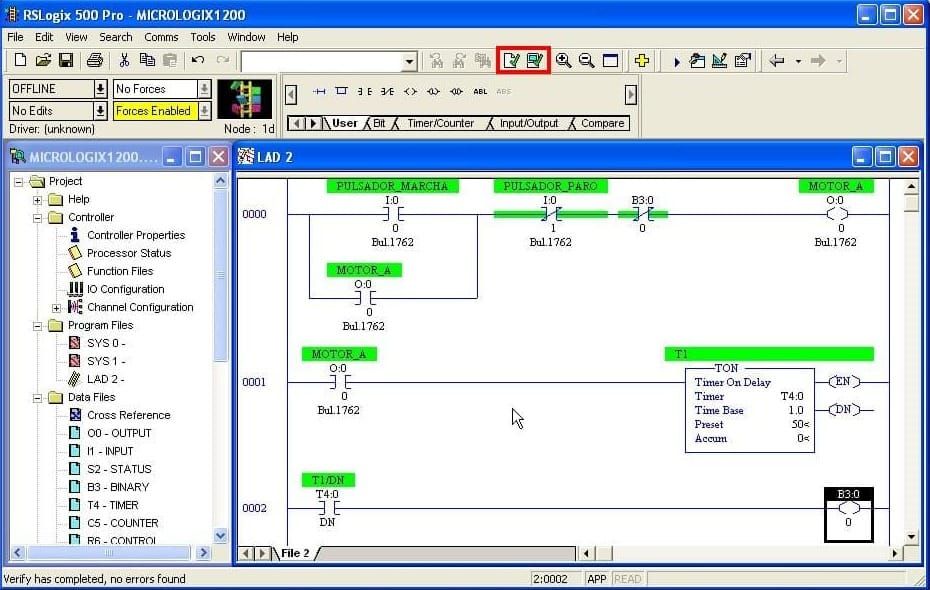
RSLogix First Program
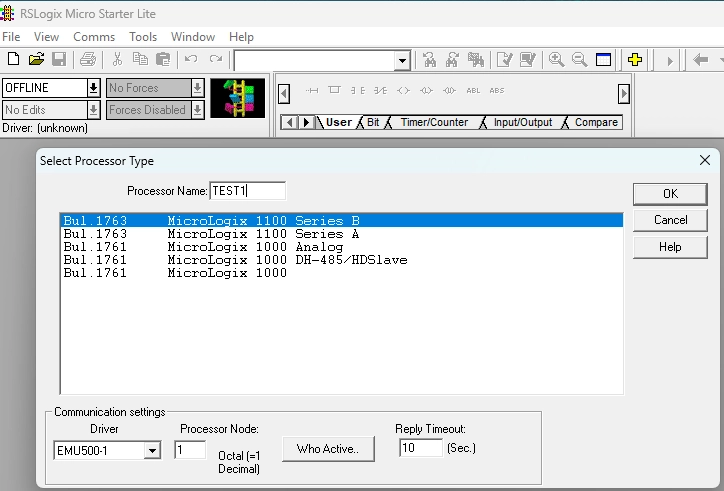
Enter a name, select PLC type, and select driver.
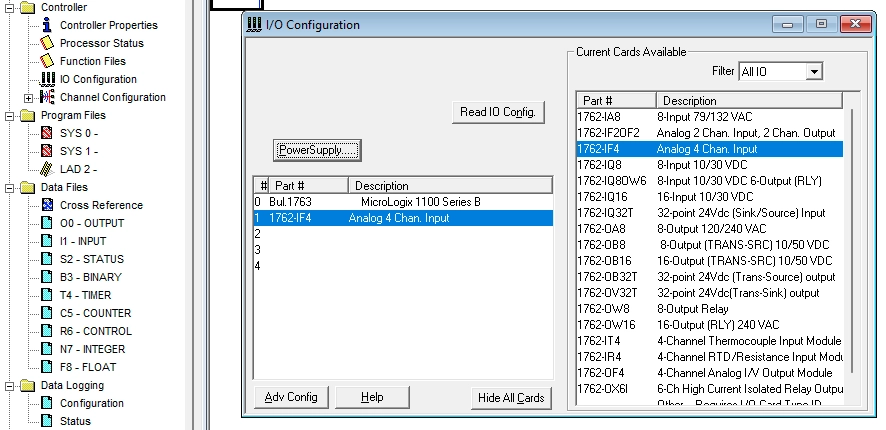
I/O Configuration is used to configure addon modules connected to PLC.
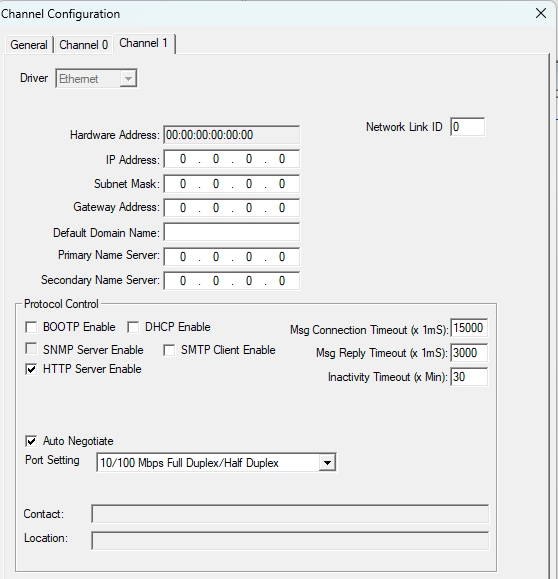
Channel Configuration is used to set the IP address on the network interface.
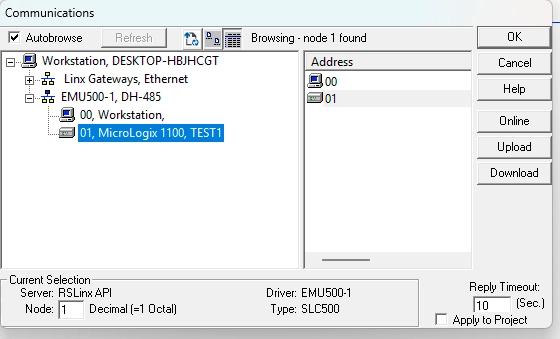
Use Communications to select the PLC

Right-click on inputs and select Toggle bit to turn them on/off
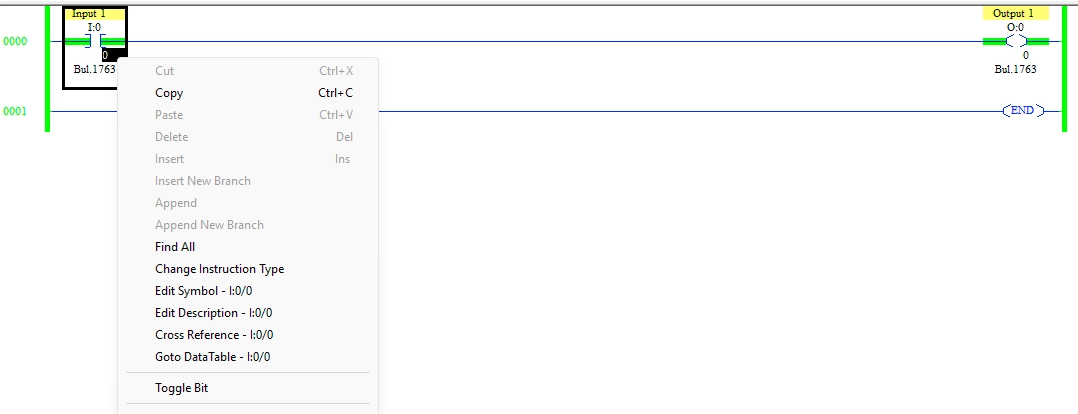
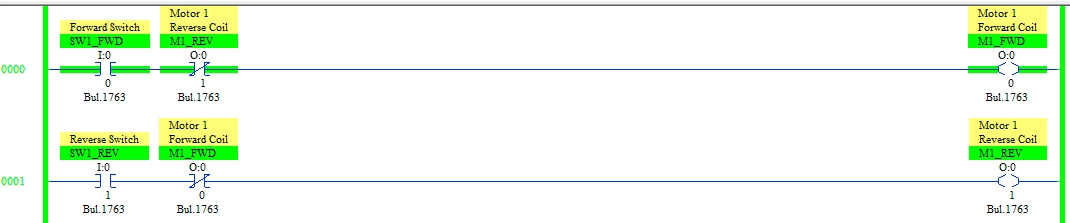
Example program with a switch to control a motor direction with a software interlock.