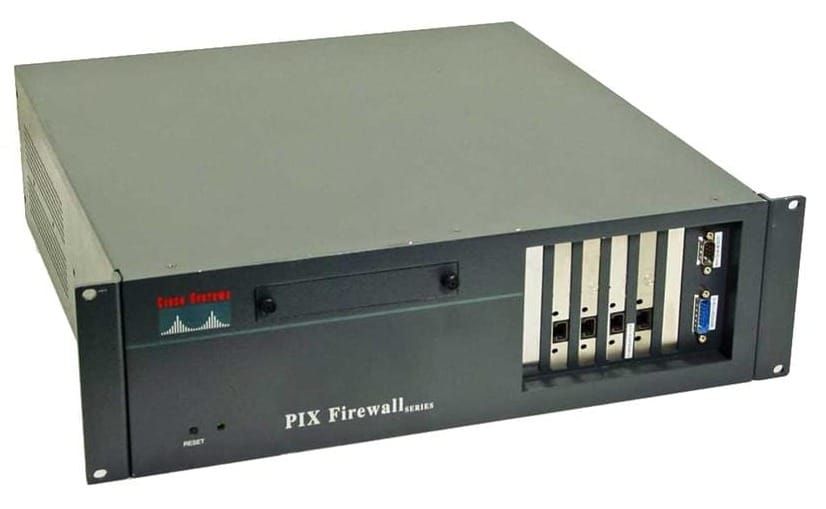
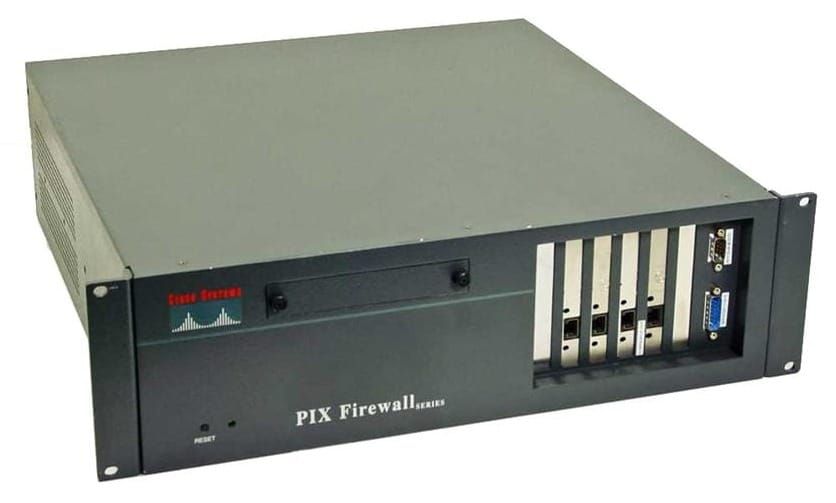
WSA - Web Security Appliance

WSA is a Web Proxy (Explicit or Transparent) that enforces policy and stops threats.
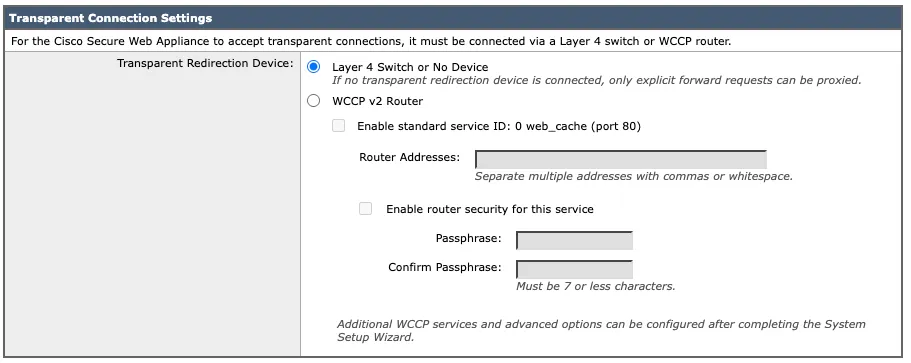
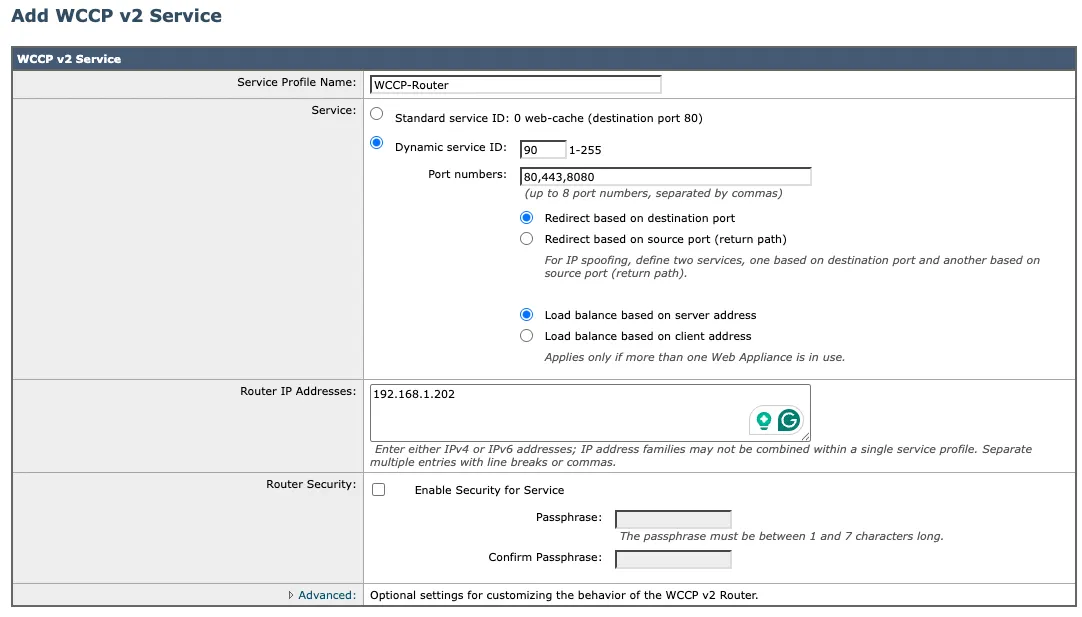
Transparent redirect port 80/443 using WCCP - Web Cache Communication Protocol (v2)
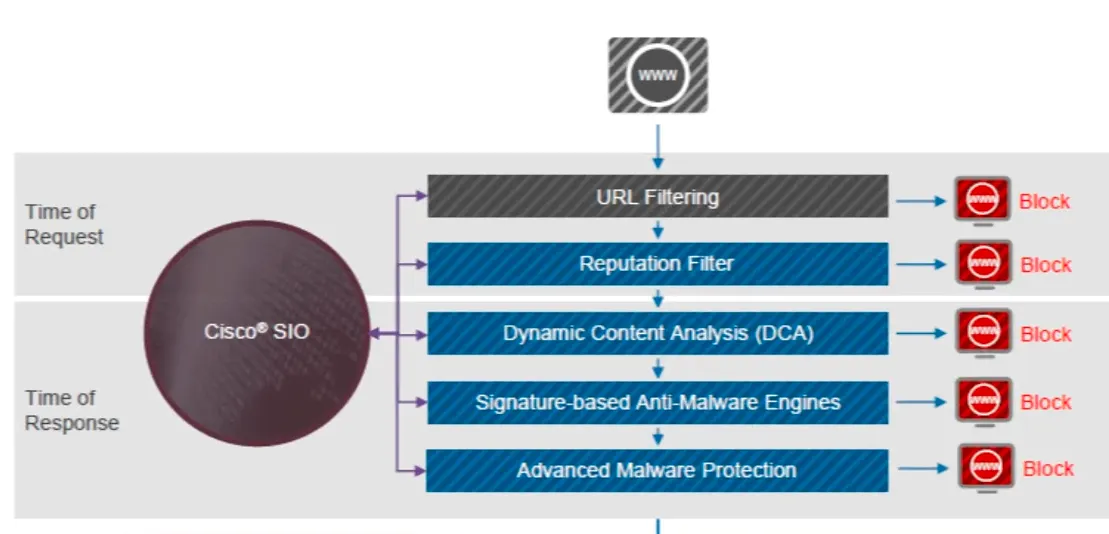
Setting up the WSA
adminaccessconfig - restrict IP addresses for accessing the admin interface and set SSL policy
ifconfig
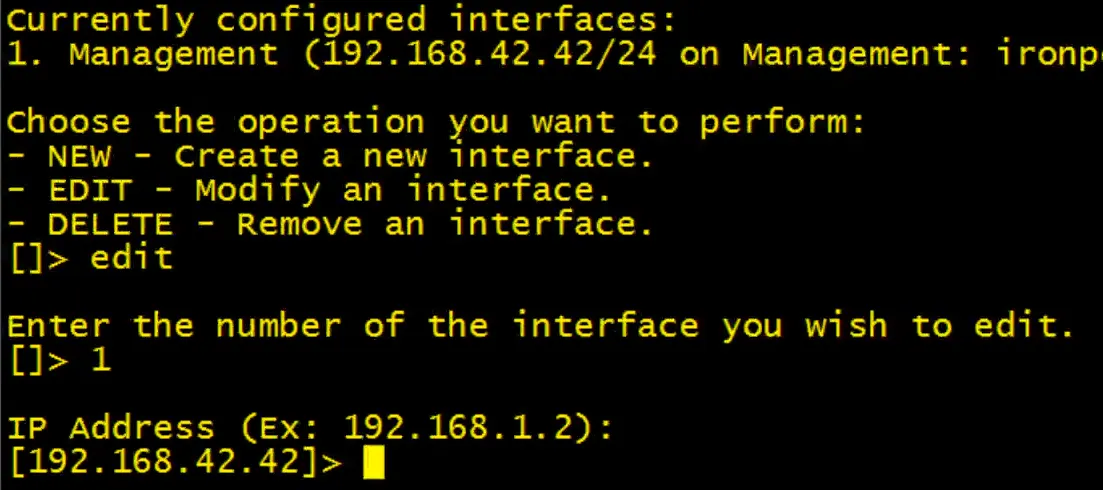
Changes are not applied until committed with commit
- default IP: 192.168.42.42
- default username: admin
- default password: ironport
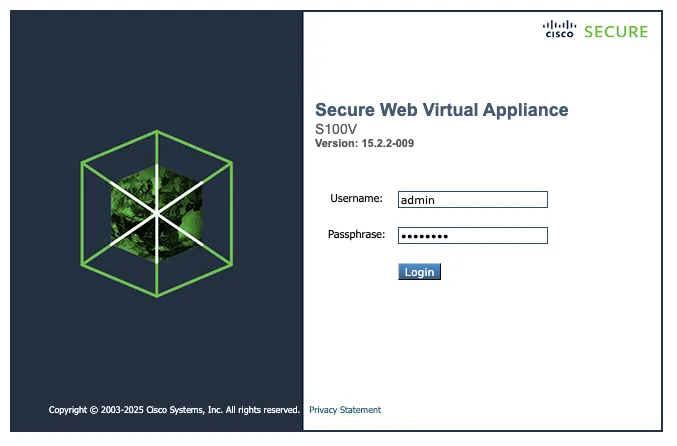
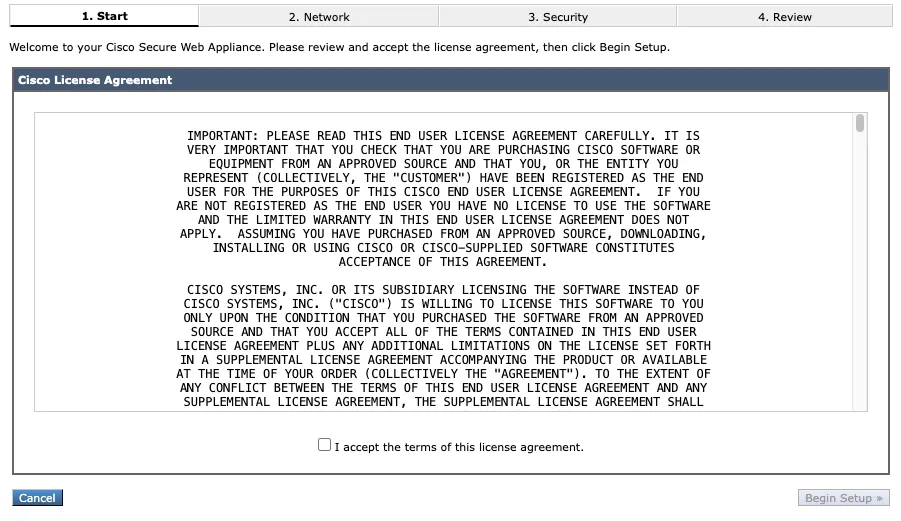
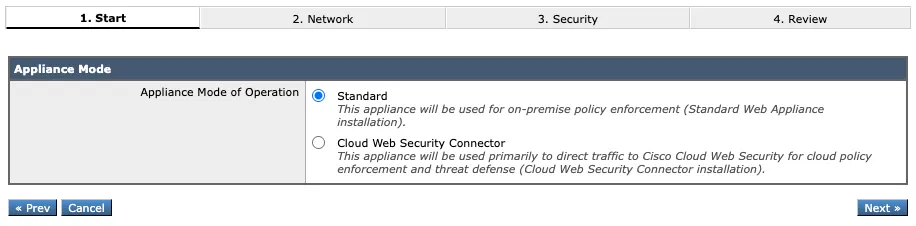
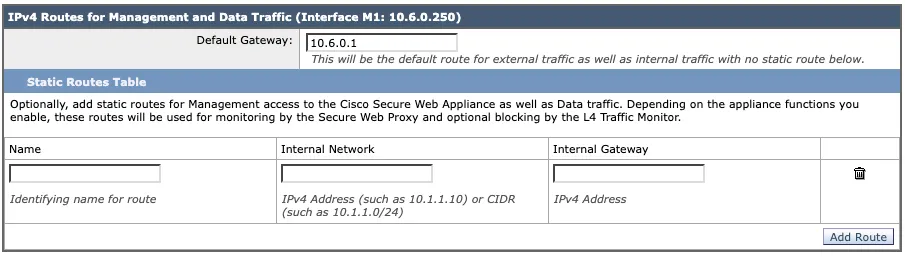
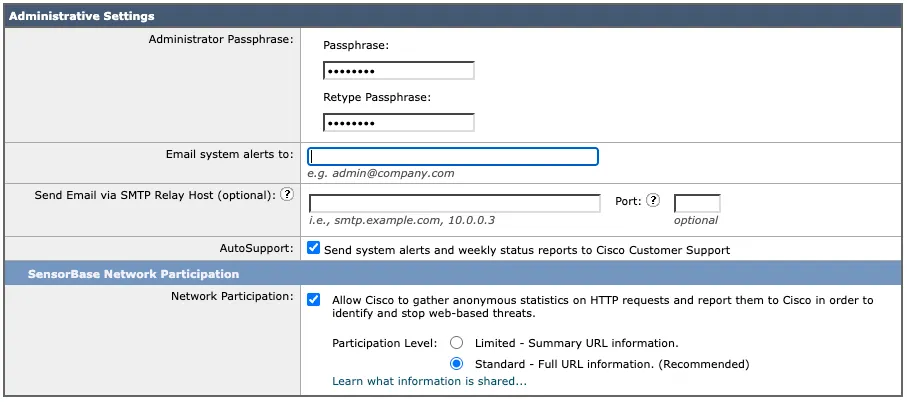
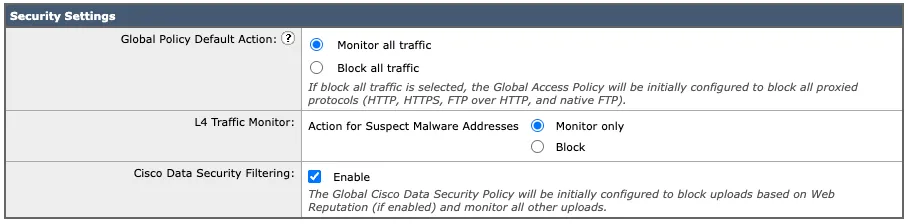
Systems Administration > System Setup > System Setup Wizard
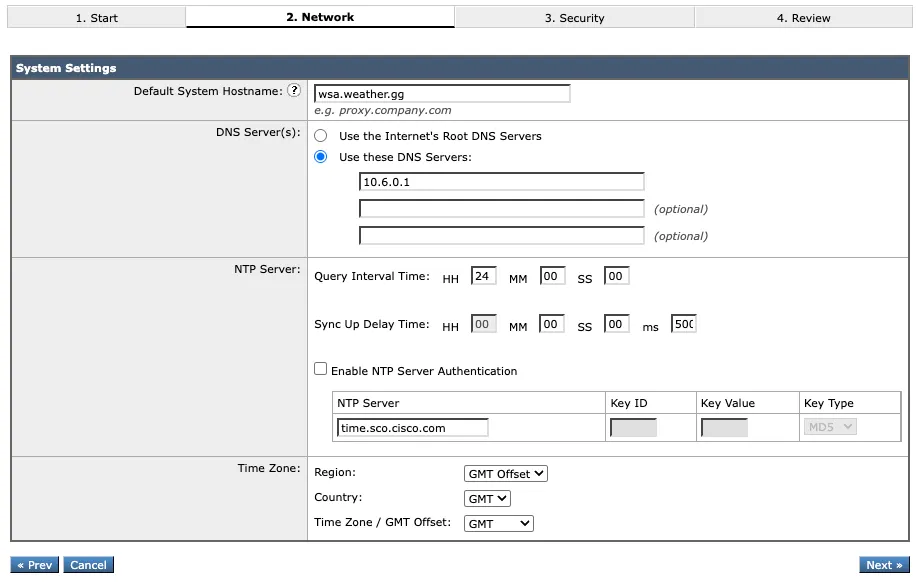
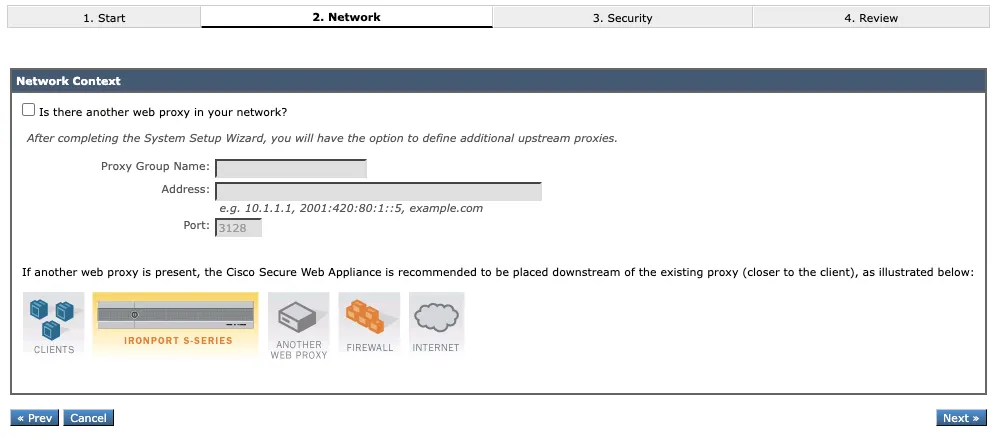
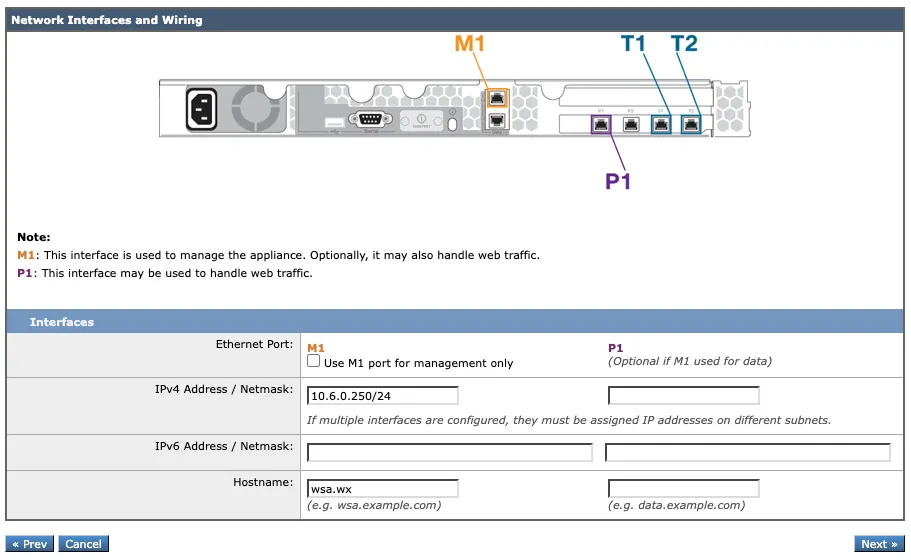
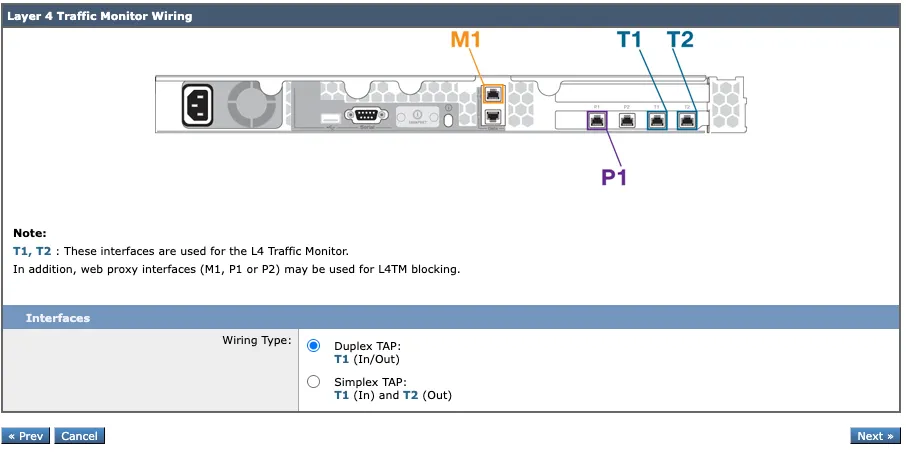
Directing Traffic to the WSA
Explicit Proxy:
- Manually configured in the browser or pushed via group policy
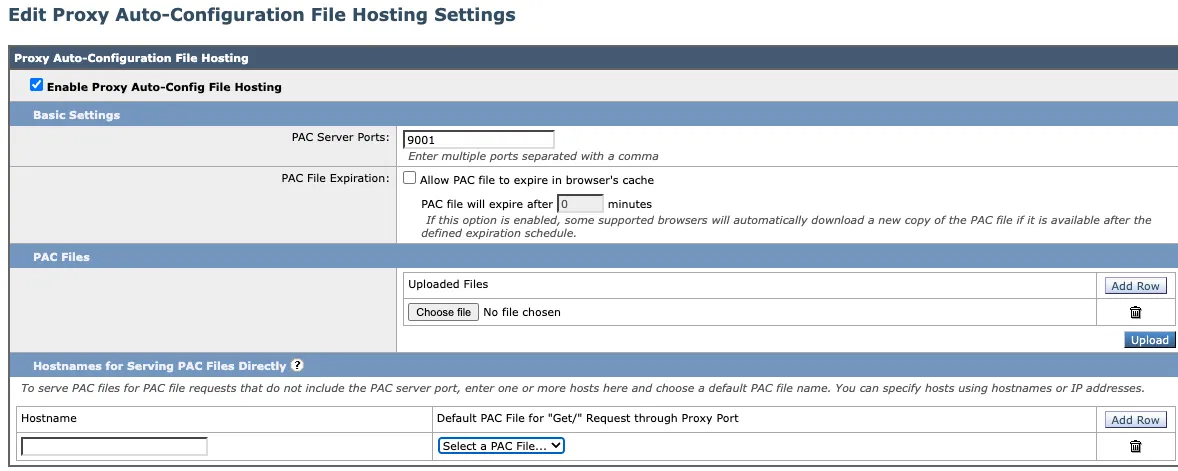
- PAC - Proxy Auto Configuration, hosting a file that contains the proxy settings
- WPAD - set proxy details via DHCP/DNS
The PAC file can be hosted directly on the WSA
Security Services > PAC File Hosting
Transparent Proxy:
- WCCPv2
- PBR - Policy-Based Routing, reroute web traffic to the WSA
- L4 or L7 Switch
WSA - Identities and Policies
Configure Identities and Policies on the Cisco Secure Web Appliance
 Craig Garnham