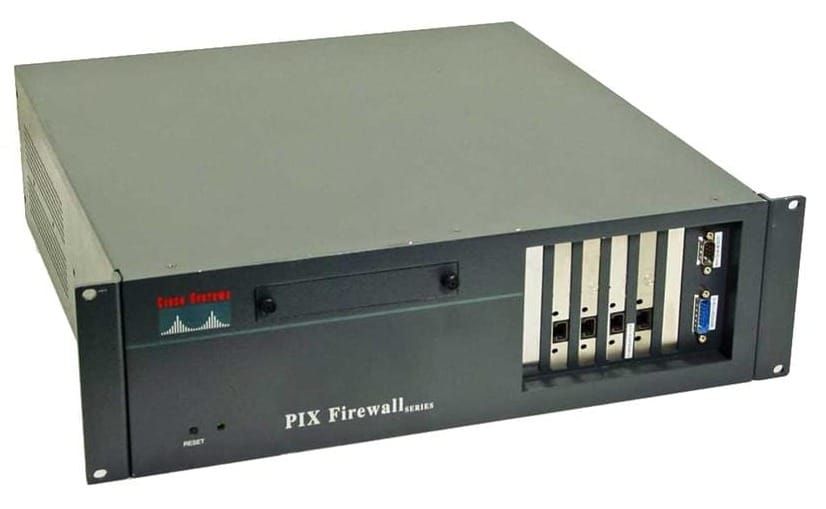
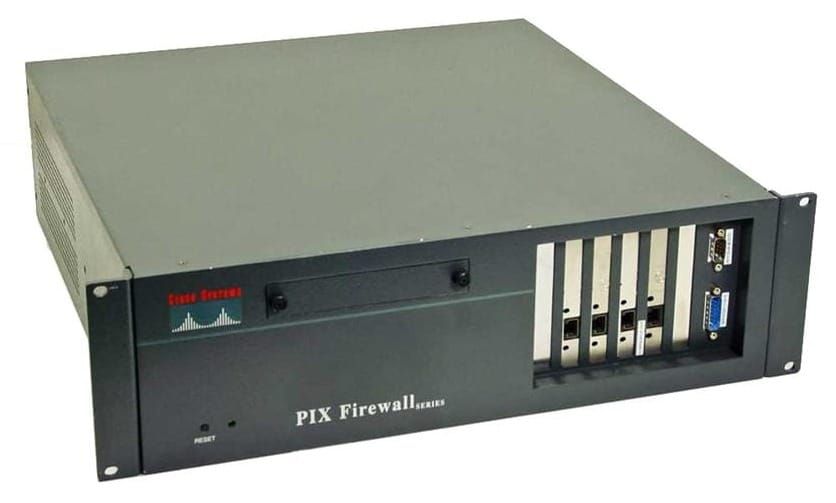
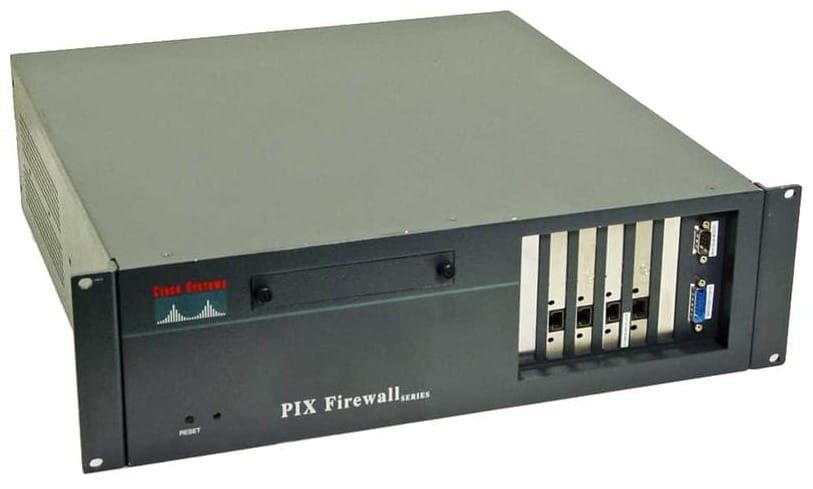
PIX - Translations and Connections
Adaptive Security Algorithm (ASA)
- ASA is a stateful secure connection via the PIX firewall
- Every packet is tested by ASA and the state info in PIX memory
- Allows one-way outbound connections with minimal configurations
- Monitors the validity of return traffic
- Randomizes the first TCP sequence number
Security levels range from 0-100, highest level is the most trusted.
Traffic can only go to a lower level unless permitted by an ACL. Traffic does not flow between two interfaces that have the same level.
Create a DMZ interface and a default route.
nameif ethernet DMZ sec50
ip address DMZ 172.16.0.1 255.255.255.0

route outside 0.0.0.0 0.0.0.0 192.168.0.1 1
NAT
NAT translates inside local IP addresses to outside global IP addresses.
- Helps with the public IP address shortage
- Hide internal address schemes and enhance security
- PIX supports dynamic and static translations
Dynamic translations
NAT any host on the internal interface, NAT and Global IDs need to match.
nat (inside) 1 0.0.0.0 0.0.0.0

global (outside) 1 192.168.0.20-192.168.0.254 netmask 255.255.255.0

clear xlate

show nat

show global

show xlate

show conn
Multiple networks on the same interface
nat (inside) 1 10.0.0.0 255.255.255.0
nat (inside) 2 10.2.0.0 255.255.255.0
global (outside) 1 192.168.0.3-192.168.0.14 netmask 255.255.255.0
global (outside) 2 192.168.0.17-192.168.0.30 netmask 255.255.255.0
Multiple interfaces
nat (inside) 1 10.0.0.0 255.255.255.0
nat (DMZ) 1 172.16.0.0 255.255.255.0
global (outside) 1 192.168.0.20-192.168.0.254 netmask 255.255.255.0
global (DMZ) 1 172.16.0.20-192.168.0.254 netmask 255.255.255.0
PAT
- PAT Address = IP Address + Source Port Number
- Multiplexes many addresses to a single IP address
- Sessions are distinct by port numbers
- 1 outside IP address can practically represent approx 4000 inside host addresses
- PAT can map TCP and UDP ports
- PAT can be implemented with NAT
- Avoid PAT with multimedia applications
ip address inside 10.0.0.1 255.255.255.0
ip address outside 192.168.0.2 255.255.255.0

nat (inside) 1 10.0.0.0 255.255.0.0
global (outside) 1 192.168.0.9 netmask 255.255.255.255 
Use the DHCP address of the outside interface
ip address outside dhcp

nat (inside) 1 10.0.0.0 255.255.0.0
global (outside) 1 interface
Map PAT addresses to different subnets
nat (inside) 1 10.0.1.0 255.255.255.0
nat (inside) 2 10.0.2.0 255.255.255.0

global (outside) 1 192.168.0.9 netmask 255.255.255.255
global (outside) 2 192.168.0.8 netmask 255.255.255.255
Add extra PAT addresses when the first one is at capacity
nat (inside) 1 10.0.0.0 255.255.0.0

global (outside) 1 192.168.0.9 netmask 255.255.255.0
global (outside) 1 192.168.0.8 netmask 255.255.255.0
Use PAT when NAT addresses are used up
nat (inside) 1 10.0.0.0 255.255.0.0

global (outside) 1 192.168.0.20-192.168.0.253 netmask 255.255.255.0
global (outside) 1 192.168.0.254 netmask 255.255.255.0
Identity NAT
Isolate a host so that it does not use NAT translations. Use NAT ID of zero.
nat (DMZ) 0 192.168.0.19 255.255.255.255Policy NAT
- Local traffic is identified for address translation by using access control lists
- The ACL can be applied to the NAT command or the STATIC command
- Administrator can designate the source address, the destination address, and ports
access-list 101 permit tcp 10.0.0.0 255.255.255.0 host 192.168.100.11 eq 23
access-list 102 permit tcp 10.0.0.0 255.255.255.0 host 192.168.100.44 eq 80

nat (inside) 3 access-list 101
global (outside) 3 192.168.0.9 255.255.255.255

nat (inside) 4 access-list 102
global (outside) 4 192.168.0.21 255.255.255.255