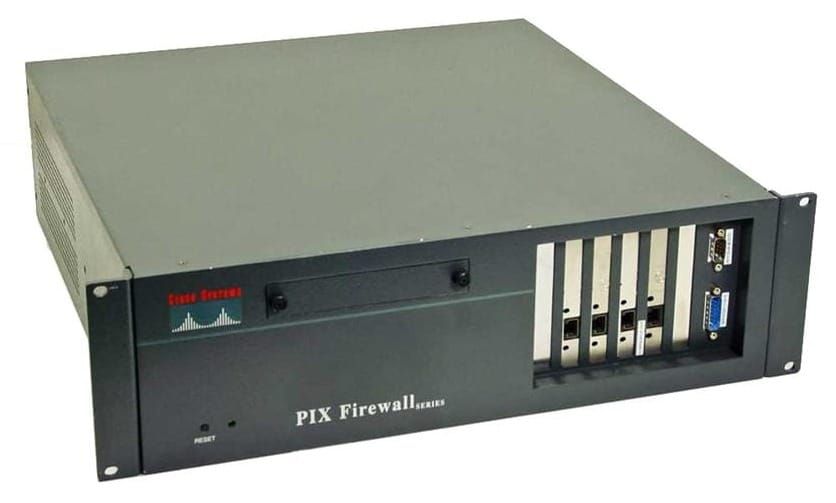
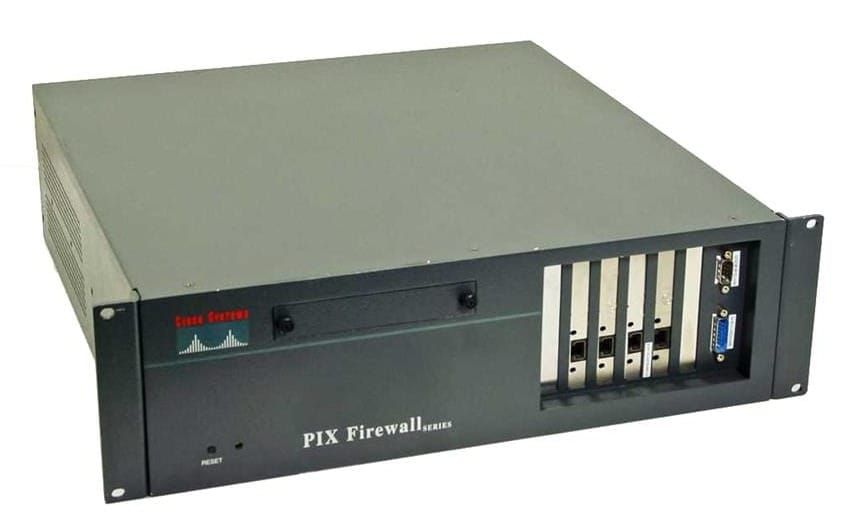
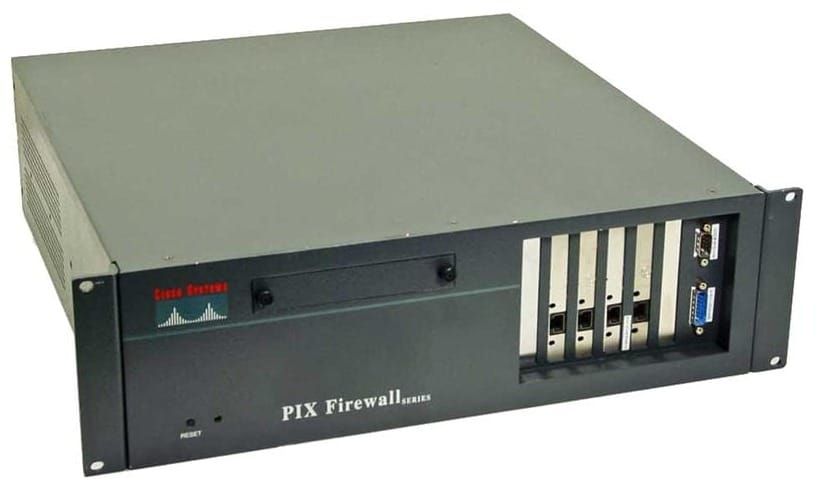
PIX - EasyVPN
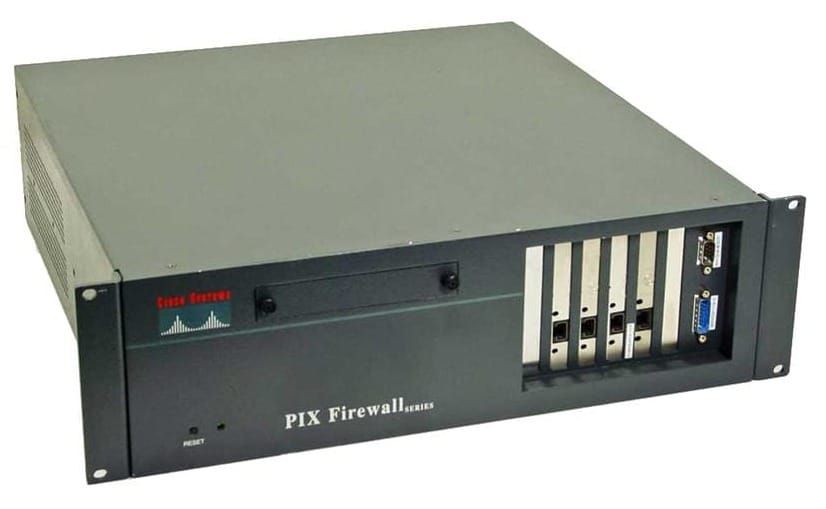
Centralization and simplification: servers push policies to remote devices.
The VPN remote router typically initiates a tunnel with the VPN server. VPN client software generates tunnels to IOS routers, concentrators, and PIX firewalls.
EasyVPN supports
- HMAC-MD5 and HMAC-SHA1 Authentication
- pre-shared keys and RDS signatures
- DH Groups 2 and 5
- DES and 3DES Encryption
- IPSec ESP and LZS Payload compression
- IPSec Tunnel Mode
EasyVPN does not support
- DSS - Digital Signature Standard
- DH Group 1
- IPSec AH
- Transport Mode
- Manual Keys
PIX Easy VPN Server 6.3
- Mode Configuration
- Extended Authentication (XAUTH)
- Updated support for VPN 3000 series
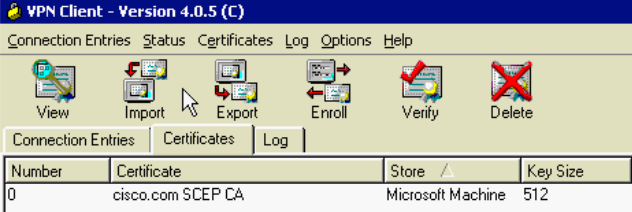
- Certificates
- DH Group 5
- AES Encryption
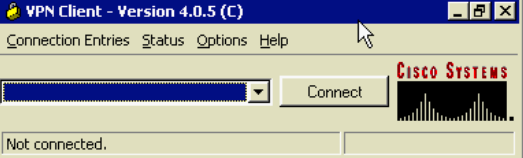
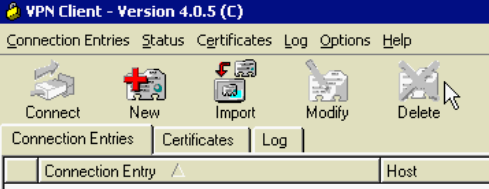
Cisco VPN Client 3.X+
- Comes free with VPN 3000 concentrator
- Windows, Linux, Solaris, MAC, Certicom
- IPSec, PPTP, L2TP, L2TP over IPSec
- Access via Analog, ISDN, DSL, Cable, Wireless
- Unlimited Cisco VPN client software licenses
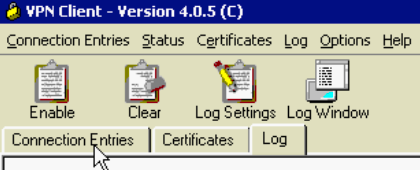
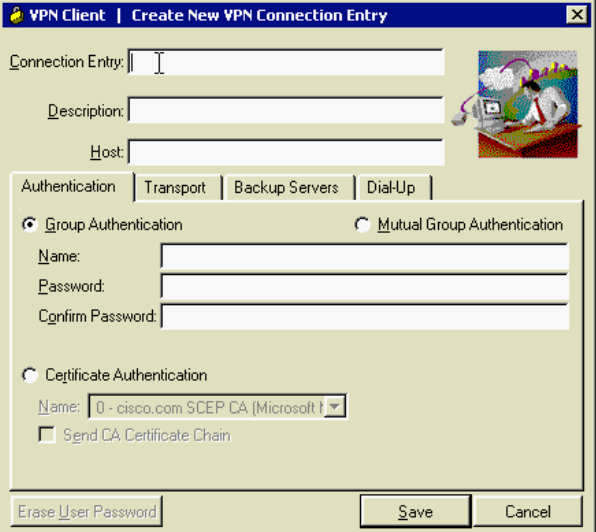
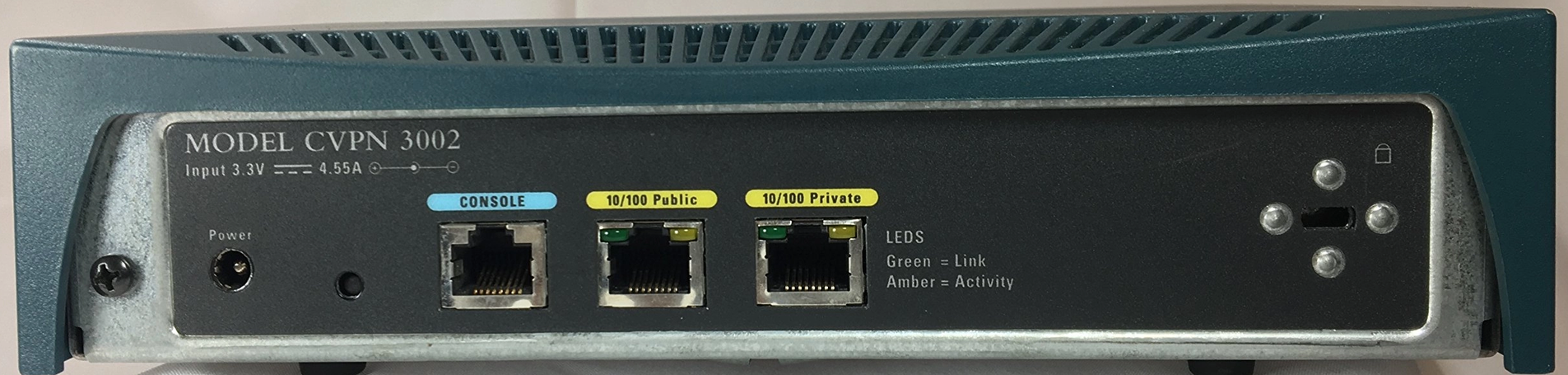
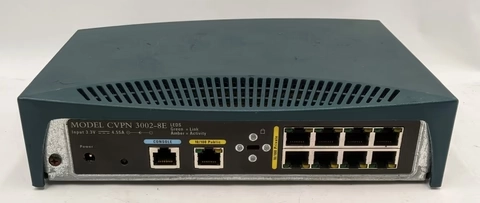
Cisco VPN 3002 Hardware Client
- 3002 has 1 public interface and 1 private interface
- 3002-8E 8 port 100mbps switch built in
Easy VPN Remote Operation Modes
- Client Mode
- Allows for NAT/PAT as the client translates automatically
- generates ACL’s necessary for the tunnel
- PIX applies PAT to IP Addresses, PC's IP is not visible to the central site
- Split tunneling is supported
- Network Extension Mode
- designates VPN clients to use fully routable IP addresses
- PAT is not used, original addresses are not changed
- Split tunneling is supported
Easy VPN Connection Process
- IKE Phase 1 (Pre-shared keys use Aggressive Mode, Certificates use Main Mode)
- Remote will negotiate IKE SA, and the server accepts SA
- Server initiates XAUTH Challenge
- Server initiates mode config (IP Address is the only required parameter)
- IKE Quick Mode completes the connection
Configure EasyVPN with XAUTH
- Create an ISAKMP Policy for remote clients
- Create IP Address Pool
- Define Group Policy for Mode Config push
- Create transform set
- Generate a dynamic crypto map
- Assign a dynamic crypto map to a static crypto map
- Apply the dynamic crypto map to the PIX interface
- Configure XAUTH
- Set NAT and NAT 0
- Enable DPD (Dead Peer Detection)
isakmp enable outside
isakmp policy 15 authentication pre-share
isakmp policy 15 encryption des
isakmp policy 15 hash sha
isakmp policy 15 group 2

ip local pool EASYVPOOL 172.16.10.10-172.16.10.254

vpngroup EASYV password CISCO123
vpngroup EASYV dns-server 10.0.1.55
vpngroup EASYV wins-server 10.0.1.55
vpngroup EASYV default-domain example.com
vpngroup EASYV address-pool EASYVPOOL
vpngroup EASYV idle-time 1200

crypto ipsec transform-set EASYV esp-des esp-sha-hmac

crypto dynamic-map REMOTEMAP 10 set transform-set EASYV
crypto map STATICMAP 10 ipsec-isakmp dynamic REMOTEMAP

crypto map REMOTEMAP interface outside

aaa-server ACS protocol tacacs+
aaa-server ACS (inside) host 10.0.1.55 CISCO1234 timeout 8
crypto map REMOTEMAP client authentication ACS

access-list 121 permit ip 10.0.0.0 255.255.255.0 172.16.10.0 255.255.255.0
nat (inside) 0 access-list 121
nat (inside) 1 0.0.0.0 0.0.0.0 0 0
global (outside) 1 interface

isakmp keepalive 30 10
EasyVPN Remote
Configure a remote PIX to connect to the central server.
vpnclient vpngroup DEVELOP password CISCO123
vpnclient username USER password CISCO321
vpnclient server 192.168.10.2
vpnclient mode network-extension-mode
vpnclient enable
SUA - Secure Unit Authentication
- Security enhancement in version 6.3 when PIX is used as EasyVPN Remote
- One-time passwords and two-factor authentication are used to authenticate remote PIX
- SUA is part of an EasyVPN pushed policy
- Works differently depending on the mode
- uses HTTP requests - http://PIX-Address/vpnclient/connstatus.html
locally configured credentials are ignored, the HTTP request is forwarded to the PIX connection page. Once authentication is complete, the tunnel will come up, and all users can access the central site.
vpngroup DEVELOP secure-unit-authenticationIUA - Individual User Authentication
- Forces inside VPN remote clients to be individually authenticated based on their IP address
- IUA is part of an EasyVPN pushed policy
- Each user is prompted when it attempts connection
- Supports static passwords and OTP mechanisms
vpngroup DEVELOP user-authentication