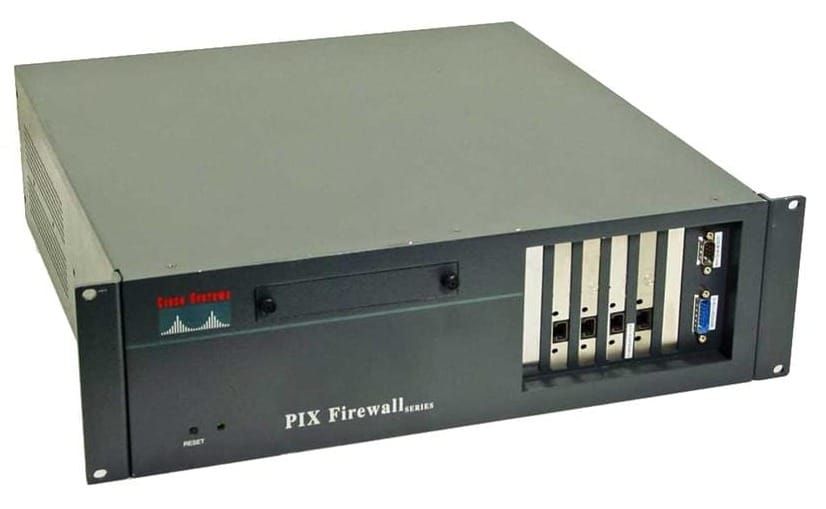
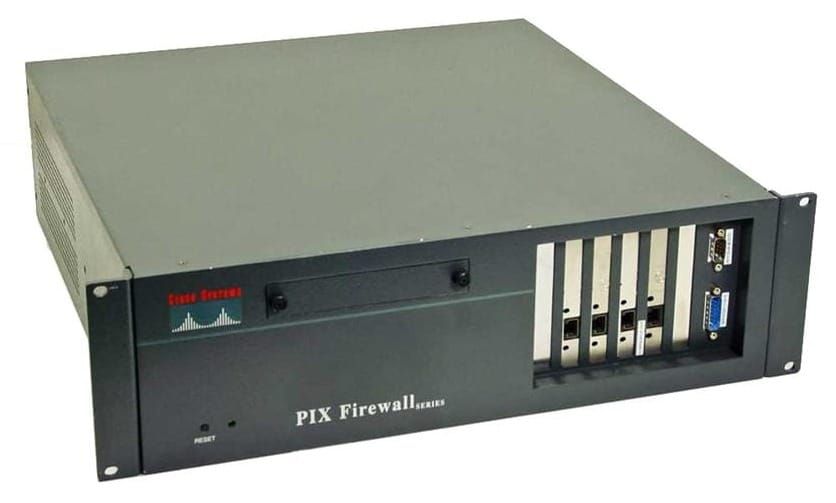
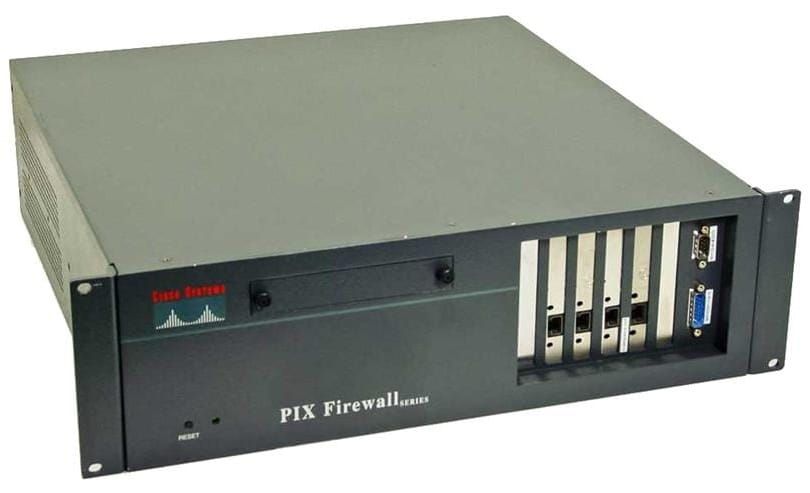
PIX - Access Control Lists
- Security Levels set the default permissions
- Interface ACL denies or permits initial inbound packet on the interface
- With higher to lower security levels use ACLs to restrict access
- ACLs are always processed before PIX does any translations
- Outbound packet source address is the untranslated address of the host
- Inbound packets source address is the translated global IP address
To permit inbound traffic to a web server
- Static translation to web server
- Inbound ACL to grant access
- Apply ACL to the interface
static (dmz,outsite) 192.168.0.19 172.16.0.12 0 0

access-list outsidelist permit tcp any host 192.168.0.19 eq www

access-group outsidelist in interface outside

show access-list
Static translation (Inside interface, Outside interface) translated address host address
ACL Log Generation
Add log to the access control entry to generate a syslog
Interval causes the hit count to reset
access-list outsidelist permit icmp any host 192.168.1.1 log 7 interval 500
memory-intensive
- For ACLs with 19 or more access control entries
- Improves the search by generating compile tables
- Can be enabled globally or for certain ACLs
- Turbo ACL’s are not supported on PIX 501, typically used on PIX 525 or 535
- Very memory-intensive, minimum 2.1 MB required
!! All access lists with more than 19 entries
access-list compiled

!! Specific access list
access-list mylist compiled
NAT Zero
Exempt VPN traffic from being translated
access-list NO_NAT_VPN permit ip 10.0.0.0 255.255.255.0 10.200.0.0 255.255.255.0

nat (inside) 0 access-list NO_NAT_VPN