ISA 2004 - Initial Configuration

Factory-installed defaults:
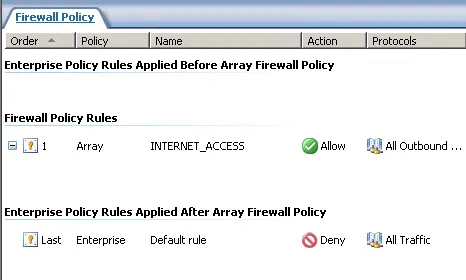
- Default single rule to deny everything
- Local Admins and Domain Admins can manage ISA
- NAT is automatically configured between internal networks and VPN networks to external
- Routing relationships are defined between the internal and VPN networks
- Does not respond to ping on any interfaces
- If ISA is installed through an RDP session, the remote computer is automatically added to the Remote Management Computers group
- DHCP (Reply) is only allowed on the internal interface
Rename the network adapters
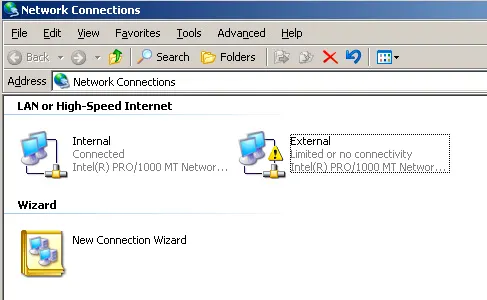
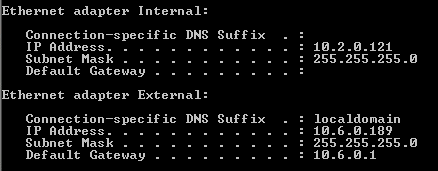
The internal adapter should not have a default gateway set. Add static routes if multiple internal VLANs.
Firewall Policy control access through the ISA server, System policy editor is new in ISA Server 2004 and controls access to the ISA server.
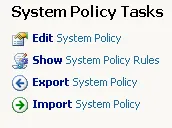
You can use the show system policy rules option to view the system rules on the firewall policy list, but they can only be edited with the System Policy Editor.
If the external network uses DHCP, DHCP must be allowed from the External network in the System Policy Editor.
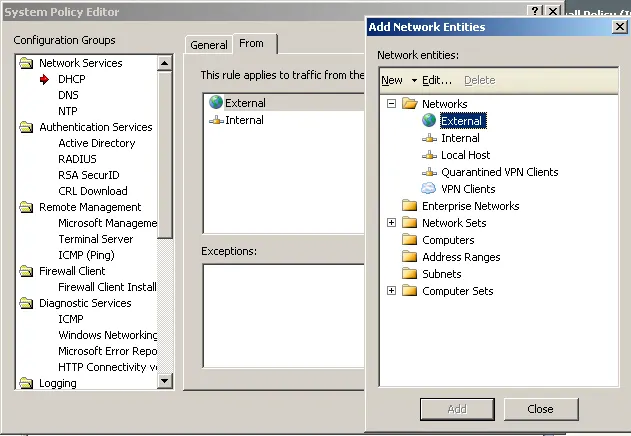
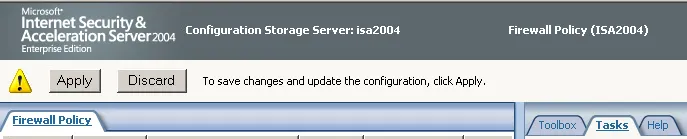
When changes are made in ISA, they must be applied before they take effect.
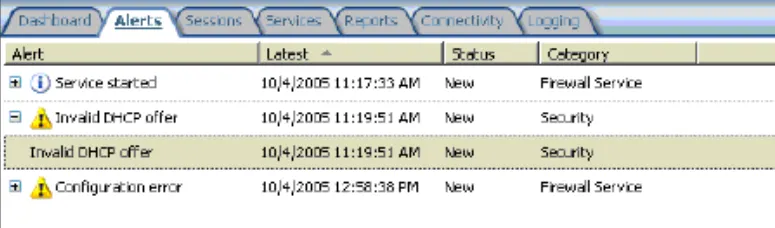
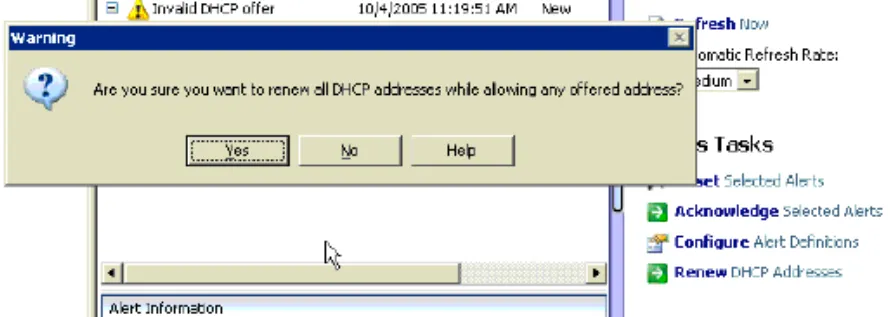
The DHCP offer may get blocked as the ISA server is not aware of the external interface yet. Use the option to Renew, and the DHCP will now be allowed on the external network adapter.
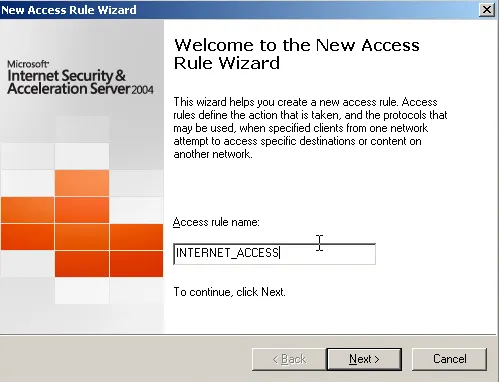
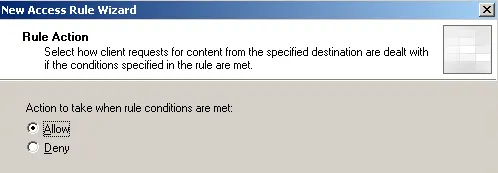
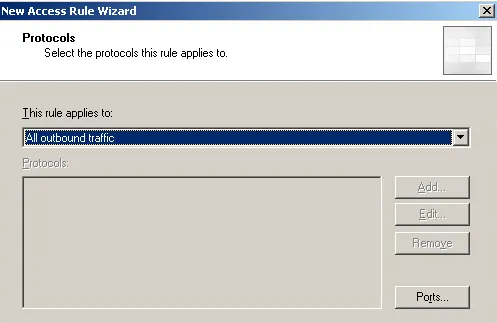
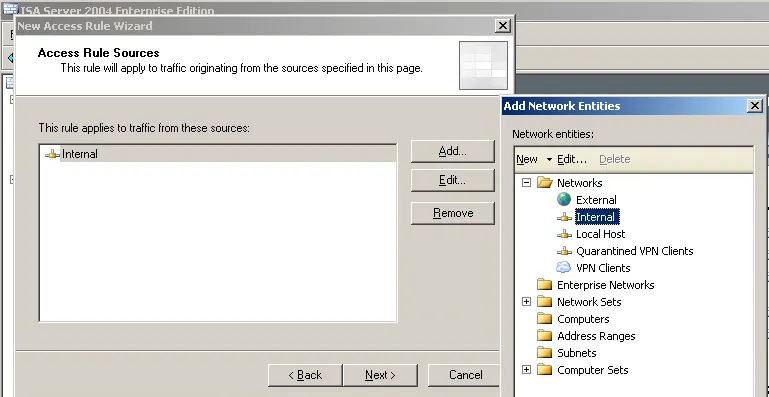
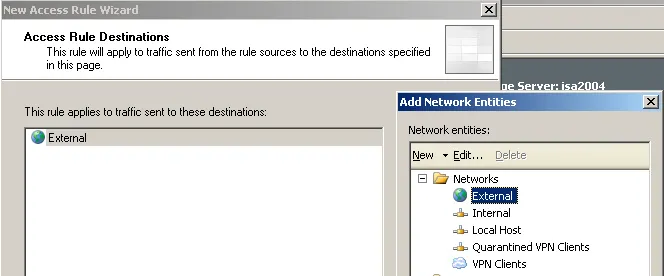
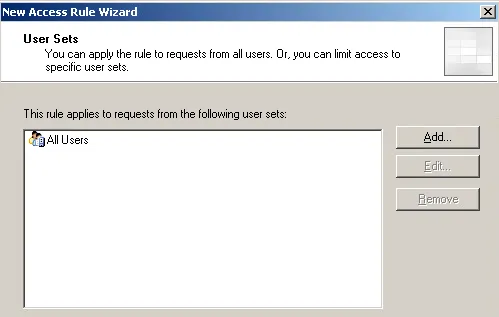
Add a simple Rule to allow clients to access the internet.